


02

Oct, 2020

How to Access Webmail to Delete Email in Roundcube

Posted by : Cid Systems   

October 02, 2020
How to Access Webmail to Delete Email in Roundcube
Article on Access Webmail to Delete Email in Roundcube
 

  1. Access your webmail on any browser, input yourdomainname.com/webmail and fill the username and password then click login.
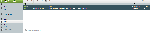
  2. After logging in Webmail navigate your email upper-right corner of your screen. 
  3. In the dropdown menu select Roundcube if not already your default webmail.
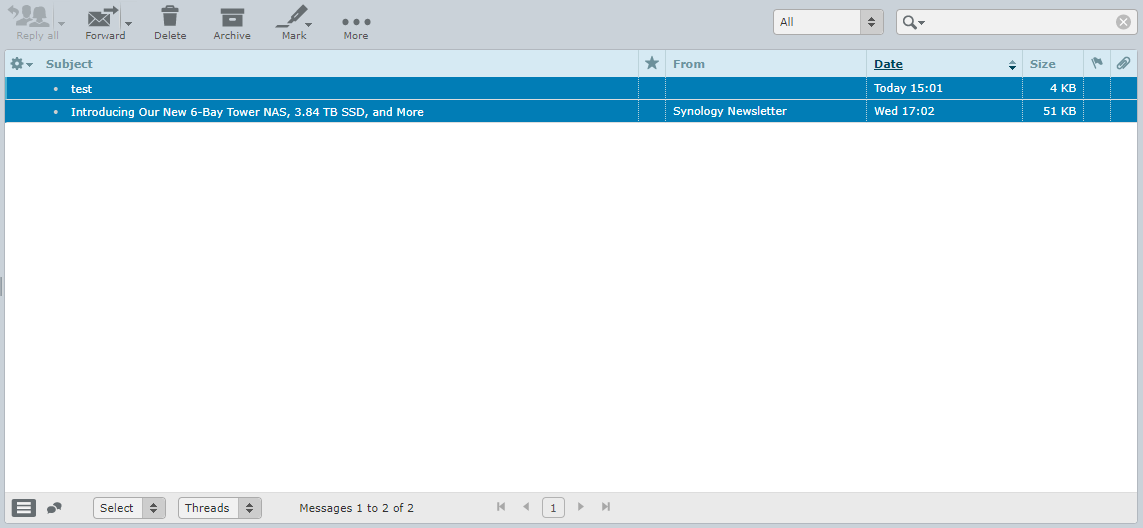
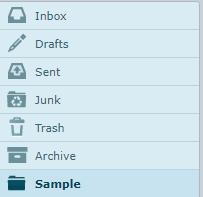
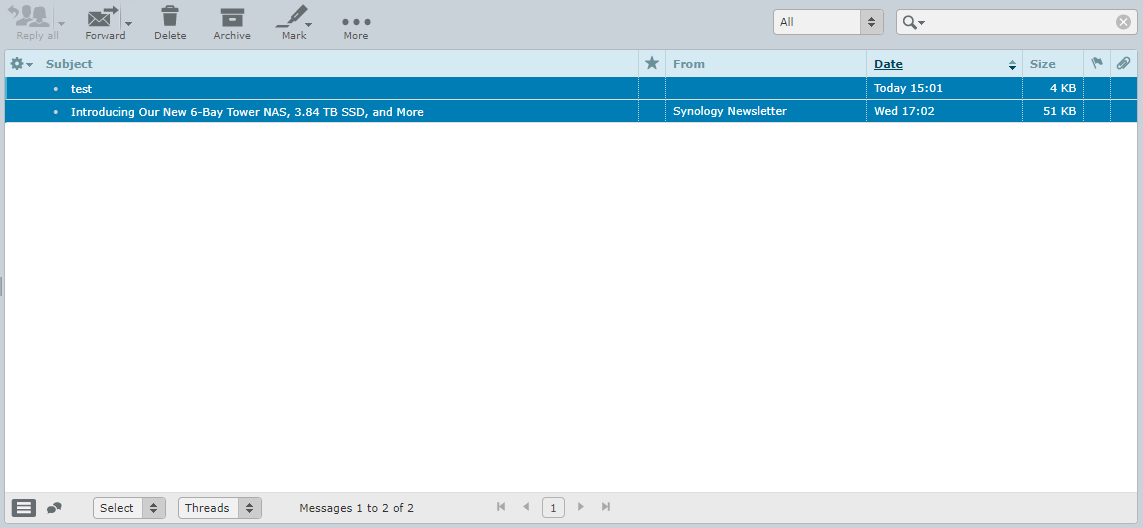
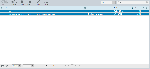
  4. Select the folder you wish to remove all the emails from. 
  5. At the bottom of the panel under Select choose All.
  6. At the top of the inbox, choose Delete.

NOTE: Deleted messages are not completely removed from the system. They are moved to your Trash folder. To remove them completely, open the Trash folder and click Delete. Delete messages are permanently erased and cannot be recovered.


  • How to Access Webmail to Delete Email in Horde

    October 02, 2020 04:58 pm
  • How to Access Webmail to Delete Email in Roundcube

    October 02, 2020 04:47 pm
  • How to Navigate Client Account on WHMCS

    August 28, 2020 03:31 pm
  • How to Backup from your cPanel Account

    August 28, 2020 02:58 pm
  • How to Backup from your Account Management System

    August 28, 2020 01:16 pm
  • -->